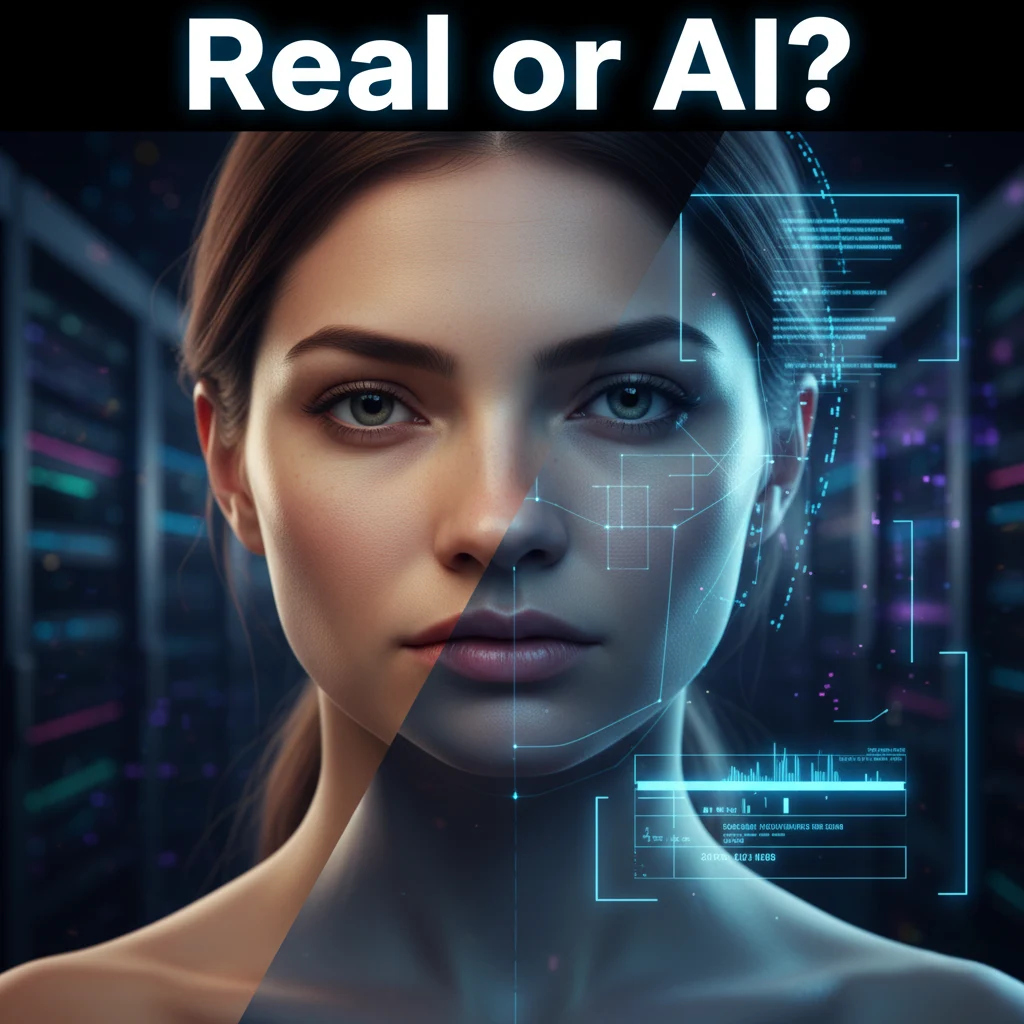
Quick Summary
- AI-generated videos, also known as deepfakes, are designed to mimic real people using artificial intelligence
- These videos are often used in misinformation, scams, fake interviews, or impersonation content
- You can spot an AI video by observing visual and audio inconsistencies; no tech expertise required
- Key clues include unnatural eye movements, poor lip-syncing, inconsistent lighting, odd blinking patterns, stiff facial expressions, and mismatched voices
- This guide explains each of these signs with examples and tips to help you verify suspicious videos
- Learning how to spot an AI video is a critical skill for digital safety and media literacy in 2025
What Is an AI Video?
An AI video is a piece of media that’s been created or manipulated using artificial intelligence to make it look like someone did or said something they never actually did. These videos, often called deepfakes, use machine learning to mimic faces, voices, and gestures with surprising accuracy.
You’ve probably seen them already, a celebrity saying something bizarre, a politician in a fake speech, or even fake job interviews. The technology has grown so advanced that it’s now used in scams, hoaxes, and misinformation campaigns.
Why is it important to spot AI videos
AI videos are more than just weird or creepy. They’re used to spread false information, impersonate people, and trick viewers. According to the FBI, AI-related fraud and identity misuse is on the rise, and most victims aren’t tech-savvy.
Knowing how to spot an AI video can help you avoid scams, protect your identity, and stop misinformation from spreading. And the good news is, it’s easier than you think.
How to Spot an AI Video
1. Eye Movements Feel Off
Start with the eyes. AI still struggles with the tiny details of natural eye behavior. You might notice:
- Eyes that don’t focus properly
- Gaze that feels stiff or disconnected
- Unusual reflections or glossy, flat pupils
In real life, our eyes constantly adjust to light and motion. In an AI-generated video, the eyes may look vacant, too perfect, or just plain weird. If the person seems to stare in a fixed direction or their eyes look too smooth, you’re probably watching an AI video.
Quick check: Pause the video. Do the eyes reflect light naturally? Do they seem to track movement like a real person would?
2. Mouth and Words Don’t Line Up
The mouth is another giveaway. AI often struggles to sync speech with mouth movement, especially when generating faces that weren’t originally saying those words.
Watch out for:
- Lips moving slightly out of sync with the audio
- Awkward mouth shapes that don’t match the words
- Jaw movements that feel delayed or “floaty”
Even when the voice sounds real, the lip-syncing can feel a little off. That’s because AI isn’t great at replicating the complex, fast-paced muscle movements involved in natural speech, especially when the subject talks fast, laughs, or pauses mid-sentence.
Pro tip: Mute the video briefly. If the lip movements still seem strange without sound, it’s likely a fake.
3. Lighting Doesn’t Match the Environment
One of the easiest signs to check is the lighting. In real videos, lighting naturally wraps around the face, casting shadows under the nose, eyes, or chin depending on the environment.
In AI videos, you might see:
- Flat or unnatural lighting
- Shadows that don’t follow the face’s movements
- Brightness that doesn’t match the room or background
A study found that AI still struggles with lighting physics, especially when the face is blended into an existing scene. That’s why shadows often look “painted on” or the lighting appears too perfect.
Watch for: Harsh or no shadows, glowing skin with no texture, and faces that seem oddly separated from the background.
4. Blinking Looks Wrong
This might sound strange, but blinking can be a big clue. Real people blink roughly every 3 to 10 seconds. AI-generated faces often blink:
- Too rarely (like once every 30 seconds)
- Too frequently or robotically
- With unnatural speed or timing
The US Defense Advanced Research Projects Agency has even used blink detection in AI video detection systems. AI models don’t always include realistic blinking because it’s not a priority in the visual data they train on.
Red flag: If someone goes an entire minute without blinking, or blinks like a robot, you’re likely watching a fake.
5. Facial Expressions Seem Too Smooth
AI videos often feature flawless skin, perfect lighting, and smooth expressions, but that’s actually suspicious. Real human faces constantly twitch, squint, wrinkle, and shift, even during basic conversations.
You might notice:
- Lack of wrinkles when someone smiles
- Eyebrows that don’t move with emotion
- A stiff or “frozen” look, especially when switching expressions
According to digital security experts, these missing micro-expressions are one of the best ways to spot an AI-generated face.
Tip: Compare the video to a known real clip of that person. If their face seems too perfect or slow to respond emotionally, it’s probably synthetic.
6. The Voice Sounds Off
Some deepfake videos use AI voice cloning to mimic a person’s voice. Others overlay a real voice onto a fake video. Either way, the voice often feels slightly… wrong.
Here’s what to listen for:
- Robotic tone or flat emotion
- Awkward pauses or phrasing
- Voice energy that doesn’t match facial movement
- Breathing that sounds looped or artificial
Even when the words are correct, AI voices often miss the tiny pauses, vocal quirks, and tone shifts that make a voice feel human.
Audio check: Close your eyes and just listen. If the voice feels lifeless or oddly calm, especially in an emotional moment, it may be generated.
Final Thoughts
AI videos aren’t just the future, they’re already here. And while the tech is impressive, it’s also risky when used to deceive.
The good news is you don’t need to be an expert to stay ahead. Just by learning a few visual and audio clues, you can protect yourself, your family, and your community from false content.
Trust your instincts, question the source, and keep these six clues in mind.
Discover how AI is reshaping technology, business, and healthcare—without the hype.
Visit InfluenceOfAI.com for easy-to-understand insights, expert analysis, and real-world applications of artificial intelligence. From the latest tools to emerging trends, we help you navigate the AI landscape with clarity and confidence.